Made in Pennsylvania, USA 🇺🇸 by Breakfast

Coral Bridge connects WordPress to HubSpot
Stop manually copying form submissions into your CRM. Coral Bridge creates Contacts and Deals directly in HubSpot CRM.
Benefits
Automatic Contact & Deal Creation
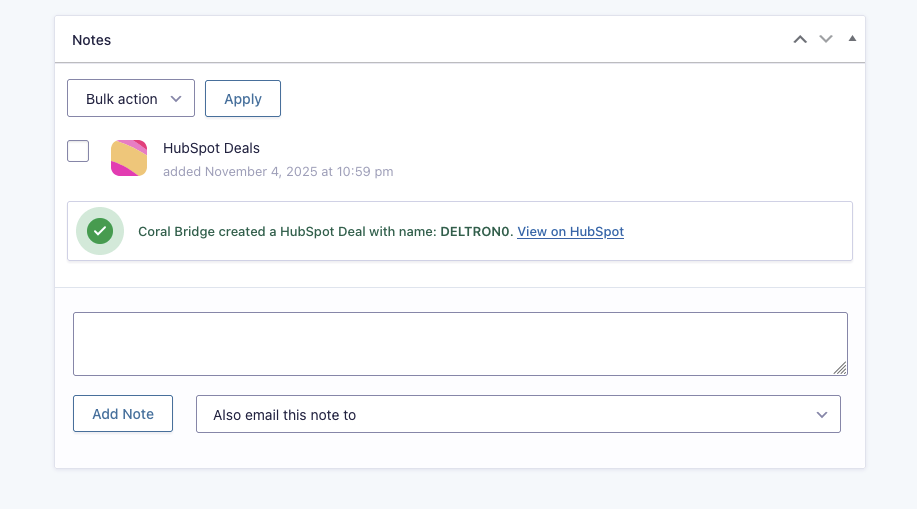
Every form submission automatically creates a contact in HubSpot (if one doesn’t exist) and generates a new deal. No more copy-pasting or double data entry.
Smart Field Mapping
Map any form field to any HubSpot property. Set deal pipelines, stages, owners, and custom properties—all from your WordPress dashboard.
File Attachments Included
Form uploads and Gravity PDF documents are automatically sent to HubSpot and attached to deals. Everything stays organized in one place.
Set It and Forget It
Configure once per form. After that, every submission flows seamlessly into HubSpot without any manual work.
How It Works
Coral Bridge is a WordPress plugin that integrates with Gravity Forms.
- Purchase, download, and install Coral Bridge
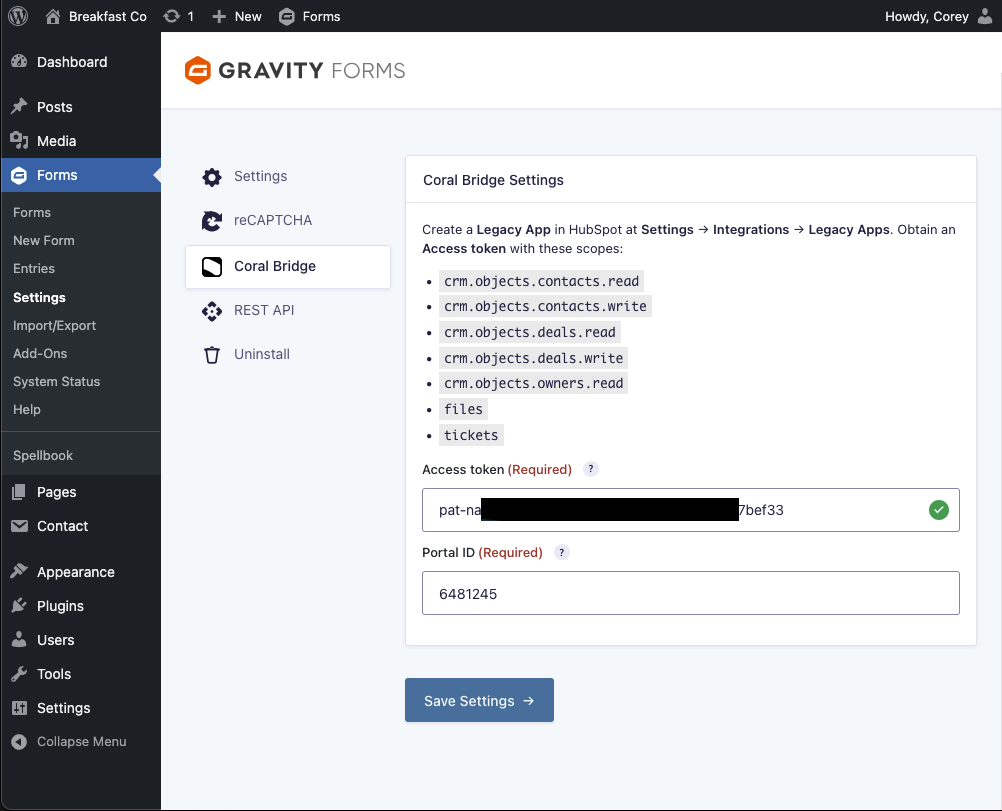
- Connect your HubSpot account with your access token
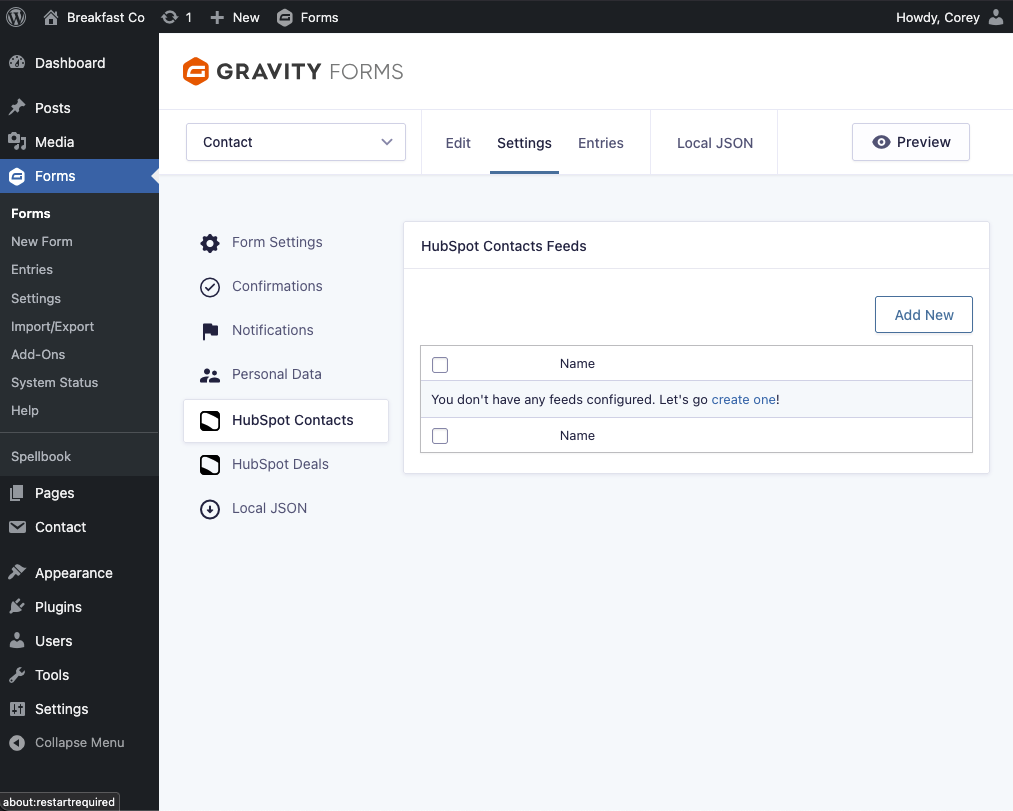
- Map your form fields to HubSpot properties
- Submit forms and watch contacts and deals appear automatically
View complete Coral Bridge Documentation→
Screenshots
Frequent Questions
Who makes this software?
Coral Bridge is a Breakfast Company product made in Pennsylvania, USA 🇺🇸 by Corey Salzano. Read Corey’s profile on wordpress.org. This product is not affiliated with HubSpot or Gravity Forms.
How is Coral Bridge licensed?
Coral Bridge is 100% open-source GPLv2 software. The code is not obfuscated.
Can we assign a different Deal Owner depending on a choice the user makes on the form?
Yes. Gravity Forms feeds have a Conditional Logic module, so creating two (or more) feeds and triggering only one during submission can create a variety of deals depending on user input.
How do I connect my website to my HubSpot account?
Read all instructions for this product, including installation and setup→