Made in Pennsylvania, USA 🇺🇸 by Breakfast

Case Study: WooCommerce orders into QuickBooks Online
Case study
Orders that put themselves into QuickBooks Online
Client
Cabinet Joint, since August 2019
Team
Yoder Design Co, Design & Development
Breakfast Co, Integrations & Back End
Integrations
QuickBooks Online
HubSpot CRM
Google Sheets
Shipment tracking emails
Cabinet Joint online orders now create the customer, the invoice, and the payment in QuickBooks Online automatically. In the first three months, more than 8 in 10 orders went from checkout to a paid invoice with nobody touching them.
The client
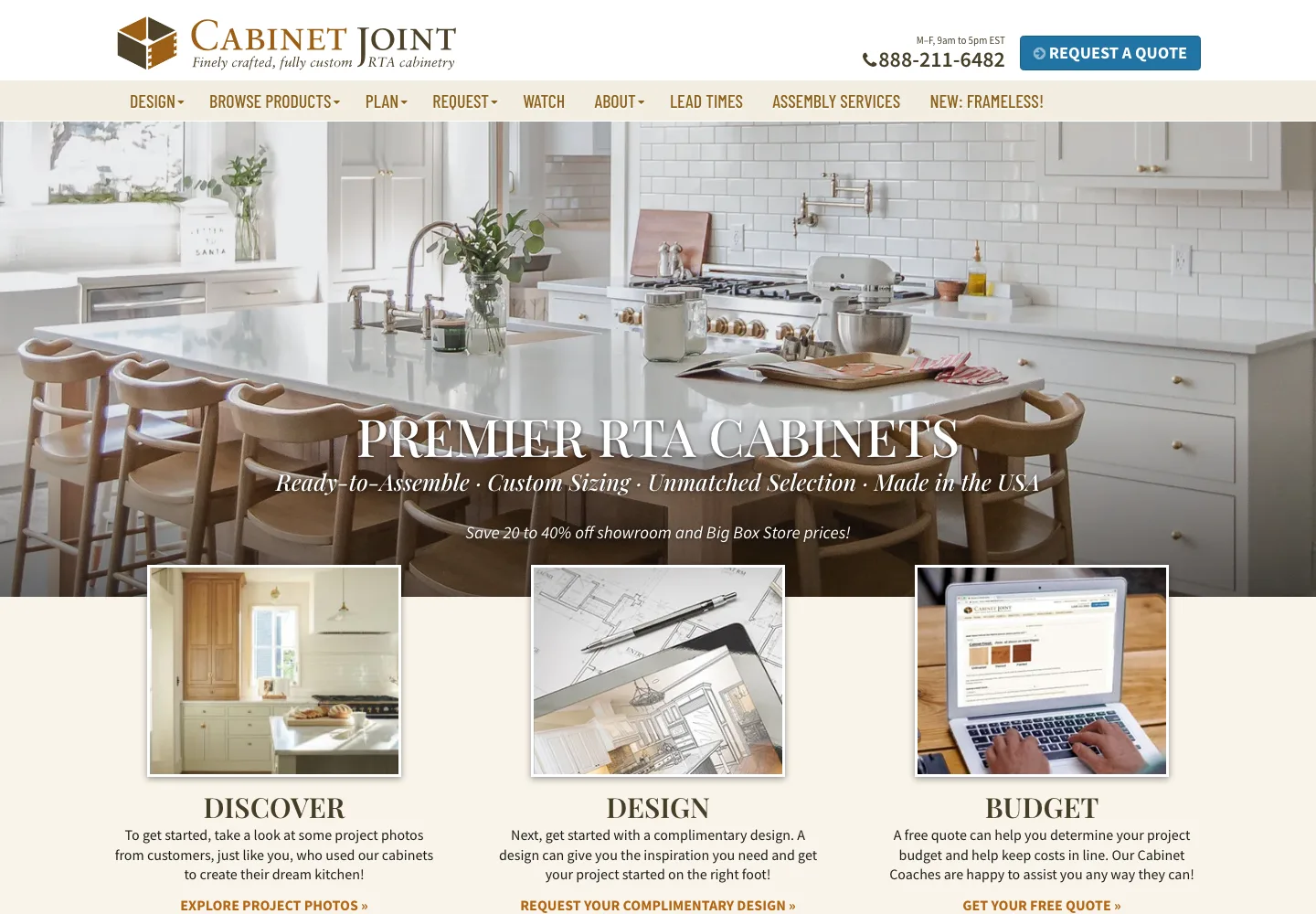
Cabinet Joint helps homeowners and trade professionals create beautiful, highly customized spaces with quality cabinetry and expert guidance throughout the process. Specializing in ready-to-assemble (RTA) and assembled cabinetry, Cabinet Joint offers personalized design support and a wide range of styles, finishes, and configurations for kitchens, bathrooms, and beyond.
We’ve worked together since August 2019. The QuickBooks automation is our latest project.
The problem
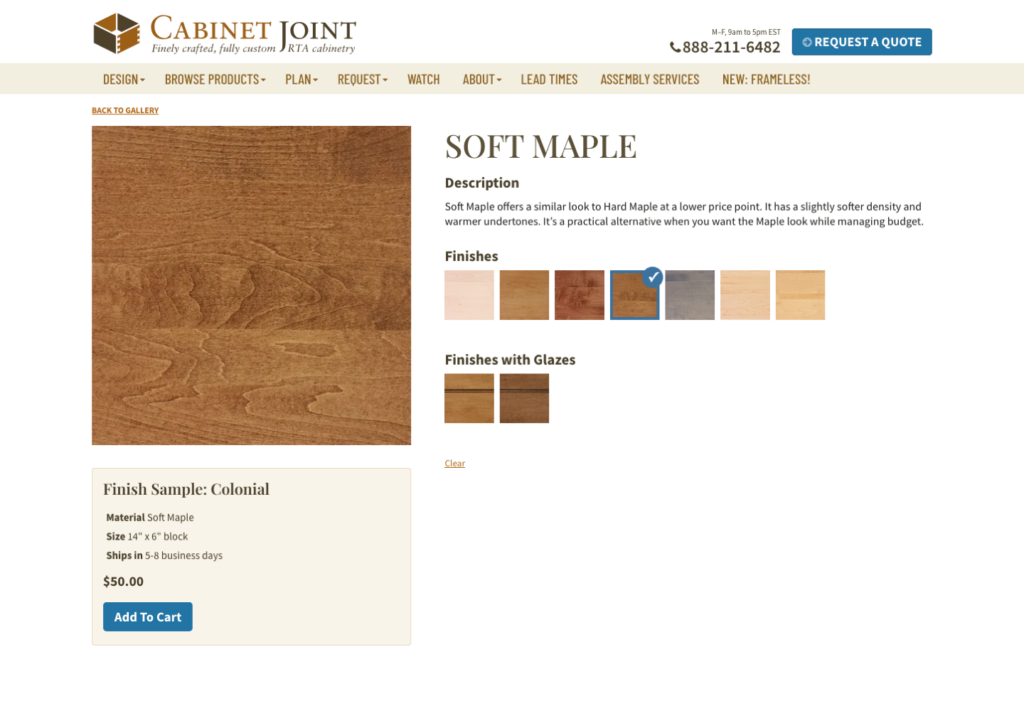
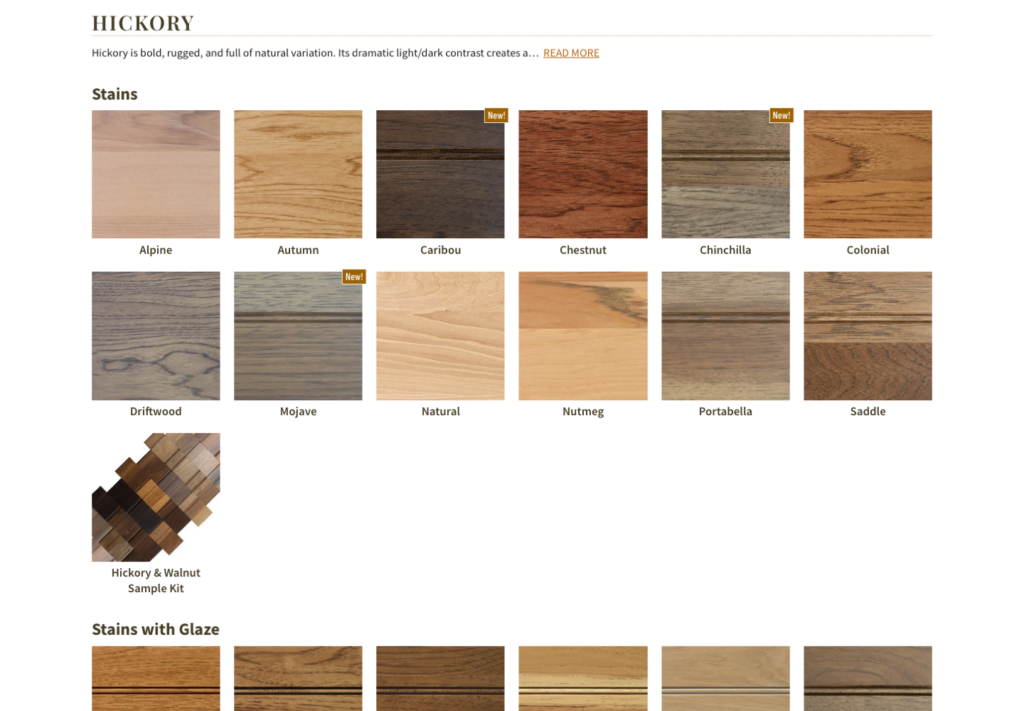
Orders of wood samples need to be recorded in QuickBooks Online, and that repetitive labor is time consuming as sales increase.
If you keep the books for a business that sells online, you probably know the routine and what it costs.
Typing every order twice
The customer’s name, address, amounts, sales tax, and shipping are already in the store. Re-typing them into an invoice is slow, and every re-typed number is a chance for a typo.
Duplicate customers
A returning customer gets entered as new, and now one person has two records. Their purchase history is split in half and customer reports stop adding up.
Matching payments by hand
Each payment has to be tied to its invoice so the invoice shows paid. Miss one and you have an “unpaid” invoice for an order that was paid weeks ago.
What we built
We connected Cabinet Joint’s WooCommerce store directly to their QuickBooks Online company. When an order comes in, the store does the three bookkeeping steps a person used to do, in the same order.
1 ❯❯
Find the customer, or add a new one
It looks the customer up in QuickBooks by name. If it finds them and the email address matches, it uses that existing record, so a returning customer’s history stays in one place. If nobody by that name exists yet, it creates a new customer.
2 ❯❯
Create the invoice
It creates an invoice for that customer with the order’s amounts and sales tax, filled in the way Cabinet Joint’s bookkeeper already sets up invoices: the same product/service, payment terms, and custom fields. QuickBooks numbers the invoice, just as if someone had typed it.
3 ❯❯
Record the payment against the invoice
The store already charged the card, so it records that payment in QuickBooks and applies it to the invoice. The invoice shows paid, and the money sits in Undeposited Funds (QuickBooks’ holding account for payments not yet deposited), ready to match against the bank deposit. Nobody’s card is charged twice.
When it can’t finish, it says so
Sometimes QuickBooks already has a customer with the same name but a different email address. That could be the same person with a new email, or two different people. A computer shouldn’t guess, so the automation stops before creating anything and emails the bookkeeper with the order and the reason.
Between July 15th and October 15th, 2026,
83%
of online orders went into QuickBooks as a customer, an invoice, and a payment with nobody touching them.
7%
Done, plus one fix. QuickBooks rejected the shipping address, so someone typed it onto the invoice.
6%
Stopped by QuickBooks. Mostly sales tax details it wouldn’t accept. Left for a person to enter.
4%
Paused on purpose. Same name as an existing customer, different email. Left for the bookkeeper to decide.
Every one of the orders that needed a person has a note saying why. Along the way, more than 80 returning customers were matched to their existing QuickBooks record.
7 years of projects
Since 2019 we’ve kept adding the small connections that save Cabinet Joint’s team a step, so less information gets copied by hand from one place to another.
HubSpot CRM integration
Customers, orders, and requests from the website flow into HubSpot, the sales team’s customer tracking system, so nobody has to copy them over.
Google Sheets integration
Information from the website lands in the Google Sheets the team already works in.
Shipment tracking emails
When an order ships, the customer automatically gets an email with its tracking number.
“As our business has grown, we’ve looked for ways to make our internal processes more efficient without sacrificing the personal service our customers expect. Breakfast Co. has been a valuable partner in helping us connect our systems, eliminate repetitive tasks, and free up our team to focus on work that matters most.”
Jami Durrschmidt, Director of Operations, Cabinet Joint